Open Source Munitions Portal

A searchable library of verified images for researchers, journalists, and practitioners trying to learn more about munitions and their use and impact in conflict.

URL

https://osmp.ngo/

Description

Open Source Munitions Portal (OSMP) is a verified image repository of munition types. It is a tool for researchers and journalists interested in learning about munition use and impact in conflicts. It contains more than 1000 verified images of functioned munitions and is particularly helpful for researchers, as it allows them to visually compare their image source with what is in the repository.

Any researcher or investigator interested in determining the type of munition used in a particular attack can visit the portal with their source imagery. They can then search through the portal’s images to make comparisons and see if they can find a match. If available, users will be able to find some, if not all of the following information about the munition: Reported Location, Reported Year, Munition Category, Functional Use, Tentative Model, Base Color, Condition, Mechanical Feature, Guidance, Domain, Fins Characteristics, Caliber, Related Images, Research Organization, Marking Color, Marking Script.

Every image has been reviewed by at least two specialists (See methodology) before it is published in the portal. Every entry has been classified under at least one munition category. Researchers using this portal will, at a minimum, be able to classify the munition they are inquiring about.

What is the difference between munitions and explosive ordnance? (CLICK TO EXPAND)

Munitions - “An expendable item which is designed to achieve lethal or non-lethal operational effects by means of an effect mechanism (e.g., blast, fragmentation, or smoke), and which travels from a source (e.g., individual weapon, vehicle, etc.), via a method of delivery (e.g., dropped from an aircraft, fired from a gun, etc.), to a target or target area.” Source: OSMP Glossary

The condition of munitions are sometimes referred to as “functioned” or “unfunctioned” munitions.

  • Functioned munitions - “The munition has either partially or fully operated and the intended effect has occurred. For explosive munitions, this usually means a detonation.” Source: OSMP Glossary

  • Unfunctioned munitions - “The munition has not operated and the intended effect has not occurred.” Source: OSMP Glossary

Explosive Ordnance (EO) - is a subtype of munition “that contains explosives, including bombs and warheads; guided and ballistic missiles; artillery, mortar, rocket, and small arms ammunition; mines, torpedoes, and depth and demolition charges.” Source: Oxford Reference

Data Source

The portal’s data comes from various sources.

  1. Social Media - According to the tool providers, the portal sources its images from social media platforms sync as Twitter/X, Telegram, and Facebook (see timestamp 00:16:11). It predominantly uses Arabic- and Ukrainian-language social media (see timestamp 00:30:48)

  2. Partner organizations - OSMP signed formal agreements with these organizations (timestamp 00:17:00) to use their images in the portal and link them to the source and external reference page.

The partner organizations are: Mwatana for Human Rights, Airwars, ARES (Armament Research Services), Bellingcat, Human Rights Watch, Myanmar Witness.

  1. Public Submissions - The portal allows the public to submit an image and contribute to the portal’s archive via this form.

Submissions must include decent-quality images where the munition/remnant is visible and a source link. The team runs reverse-image searches on submitted content to seek the most reliable, closest-to-original sources before expert classification begins. (Timestamp 00:29:02 - 00:30:21)

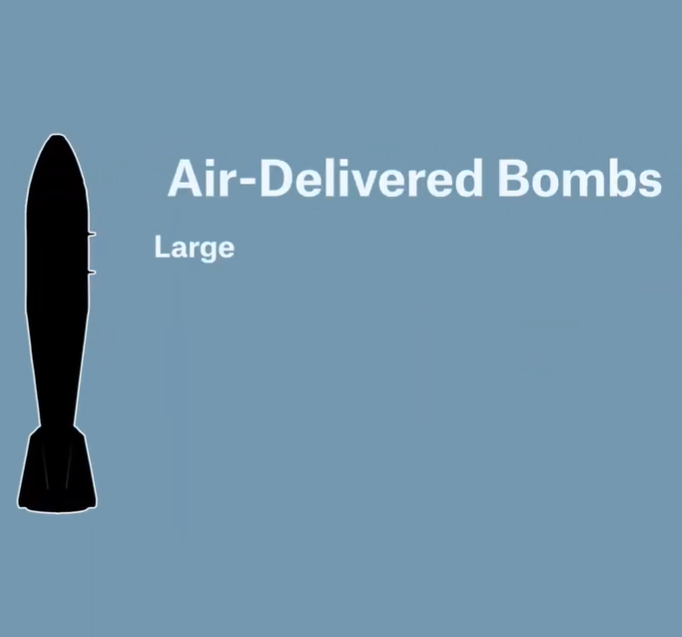
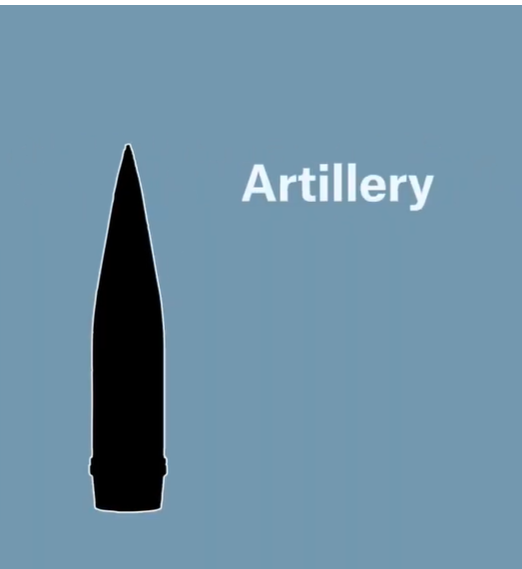
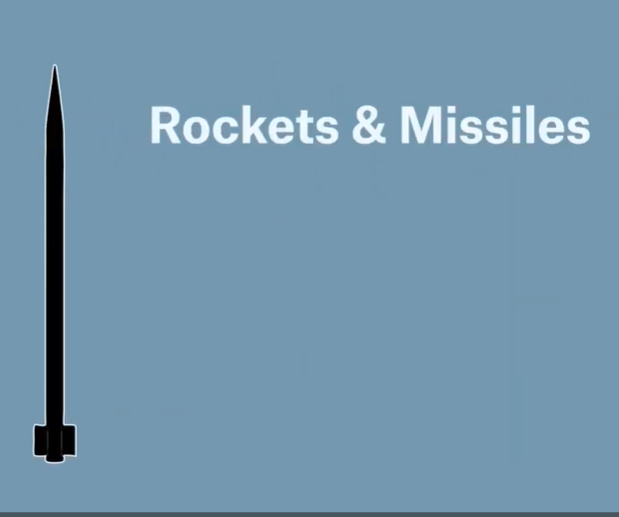
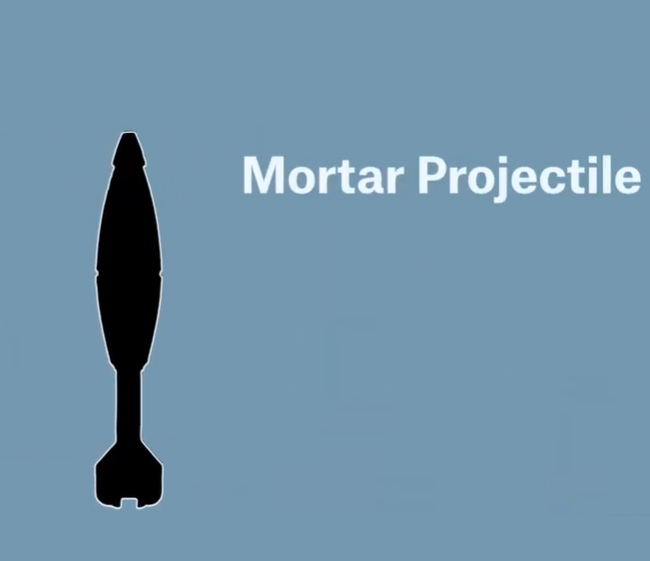
Munition Categories

Note that this category list is regularly updated. Check the OSMP website directly for the most current version.

How to Use: Interface and Navigation

Users can find information in the portal through different ways. Users can:

  1. Filter; (2) Use the search bar; (3) Use the collection of “Featured Materials”; (4) Use the “Related” Feature

KEYWORD SEARCH AND FILTER

This image shows the various ways to search for munitions in the portal. This shows the landing page of OSMP. Immediately at the top (PURPLE BOX) are filtering and search options; Below (YELLOW ARROW) are munitions grouped as a "collection" either by munition type (those commonly used); by conflict area; or by research organization (munitions documented by external organizations). Users can also find 3D models of common munition types like the Shahed UAV and the GBU-39 (RED CIRCLE).

Users have 17 ways to filter for information. See the tabs below for the different input options.

This functions as a standard search bar, allowing users to enter keywords of interest.

(whether a munition is guided or unguided)

Guided munition, Unguided munition

ANALYST NOTES

Analyst Notes are sometimes added to an OSMP entry after review by two ARES specialists. These notes provide extra details that may not necessarily be obvious from the basic classification. These are sometimes used to highlight diagnostic features or explain how they arrived at a tentative identification of a munition. This sometimes includes notes on specific variants when identifiable.

Based on our tests, this bridges the gap between a simple tag and a full technical explanation, which gives users a more intermediate understanding of how the munition was identified without it being overly complicated.

Cover

FIRST: If available, researchers can find the "Analyst Notes" immediately at the landing page with the munition entry.

Cover

SECOND: If available, researchers can find the "Analysts Notes" when clicking on an individual OSMP entry, at the bottom of the classification and other information.

A key feature of OSMP is its "Related" function. The "Related" feature works like a cross-referencing tool in OSMP. It visually links other images or entries that show: (1) Different parts or components of the same munition type; (2) Different views or angles of the same munition remnants that the user may not have previously seen; (3) Additional remnants that may help with proper identification.

There are two ways to do it.

METHOD 1: From the landing page, users can hover over one image/entry, and it will immediately highlight the other images related to their source imagery.

METHOD 1: Users can hover over a particular munition entry, and the tool automatically highlights possible related munitions to what they are searching. Seen here, we hover over OSMP 1701 which automatically highlights in BLUE/GREY the other entries that are related to OSMP 1701.

METHOD 2: Click on an individual entry and scroll below to see related entries.

METHOD 2: Click on an individual entry, in this case, OSMP 1700 and scroll to the bottom. If available, OSMP will link additional images that is related to the current image being investigated.

OSMP AND CIVILIAN HARM INCIDENTS

Use OSMP with Airwars' database of verified incidents of civilian harm.

OSMP also links munitions directly to Airwars’ verified civilian harm incidents to keep the focus on human impact. If available, users can find this by clicking on an individual OSMP entry and scrolling to the bottom. It is labeled “External Research” and includes an excerpt on the number of civilian deaths, location, and a link to the external source.

For example:

OSMP506 is associated with Airwars’s civilian harm incident ISPT0283.

TWO-WAY DATABASE: If available, scroll down to "External Research" for any individual OSMP entry to check if there are links to incidents of civilian harm. Each incident report is verified with geolocation information. Scroll down on the individual Airwars incident for reference to a particular munition back to OSMP's database.

OSMP COLLECTION AND 3D MODELS

OSMP Collection

Users can also find munition information in the featured materials collection on the landing page. At the moment, these are materials conveniently grouped according to conflict (i.e. Iran-Israel 12-day war; Ukraine 2022-2025) or according to research organization (i.e. Human Rights Watch)

Featured Materials found on the landing page of the tool, below the filtering options.

3D MODELS

OSMP also features a few 3D Models of common munition types. This includes a short introduction and an interactive 3D model with tips on identifying or differentiating the munition.

Seen here is a 3D model of a GBU-39. To the left are key features to help users identify this particular munition.

Cost

Level of difficulty

Requirements

Modern Web Browser

Limitations

The tool covers a small set of explosive ordnance types used mostly in Ukraine and only identifies them by type not specific model.

Ethical Considerations

  1. OSMP notes that all identifications in the portal are tentative instead of exact. Always seek a specialist to get a positive identification of a munition. Communicate this limitation to be transparent to your audience. (See Methodology)

  2. OSMP is not a substitute for technical training on munitions and explosive ordnance. Use this for educational and reference purposes only.

Guide

Aagaard, Charlotte. "Major civilian casualties: Danish-equipped fighter jets behind bloody attack in Gaza." Danwatch, 1 September 2024. https://danwatch.dk/en/major-civilian-casualties-danish-equipped-fighter-jets-behind-bloody-attack-in-gaza/

Ali, Taz. "Small, deadly GBU-39 bombs are Israel's weapons of choice." i-news, September 2024. https://inews.co.uk/news/world/small-deadly-gbu-39-bombs-israel-weapons-choice-3261816

Open Source Munitions Portal (OSMP). "Resources." OSMP. Accessed 2 December 2025. https://osmp.ngo/resources/

Philp, Rowan. "New Open Source Tools and Tips to Investigate Bombing of Civilians." Global Investigative Journalism Network (GIJN), 2024. https://gijn.org/stories/new-open-source-munitions-tool-investigate-bombing-civilians/

Tool provider

Airwars, Conflict Armament Research, King's College London War Studies Department, UK

Advertising Trackers

Page maintainer

Afton

Last updated

Was this helpful?